Take the CanvasKB journey, role by role
See it for yourself. Your company has chosen CanvasKB, and these short videos show what happens next: what's in it for employees, how contributors' work gets easier, and how the owner rolls it out to everyone.
Ask in plain language. Check the source.
Employees type a question and get a clear answer from the company's own approved documents, with the exact source behind it.
If an answer looks out of date, they send it for review. Their name isn't attached to their questions or feedback.
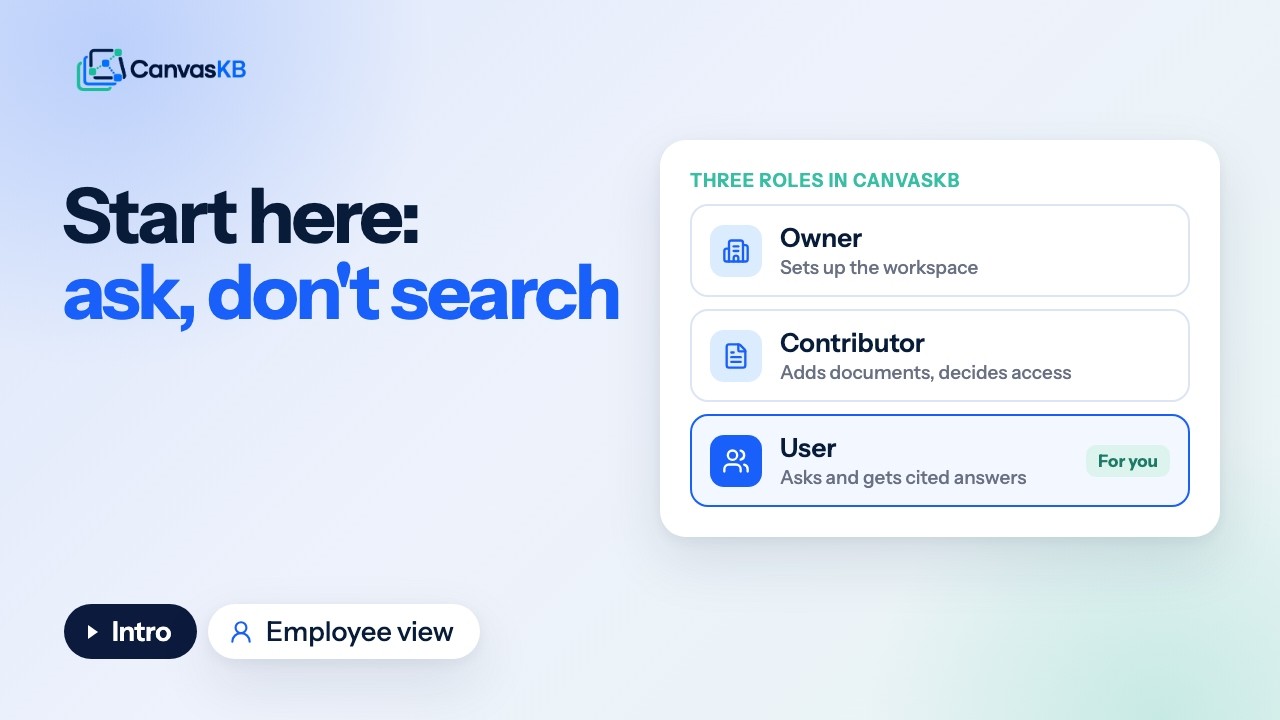
CanvasKB for employees

The employee experience
Keep the knowledge current, and in the right hands.
Contributors add the documents the company already has, from a computer, a web link, Google Drive or SharePoint, and decide who sees what.
They fix answers that were flagged for review, send must-read documents with a due date, and see where answers are weak.

CanvasKB for contributors

Add documents from your PC, the web, Google Drive and SharePoint

Team members and user groups
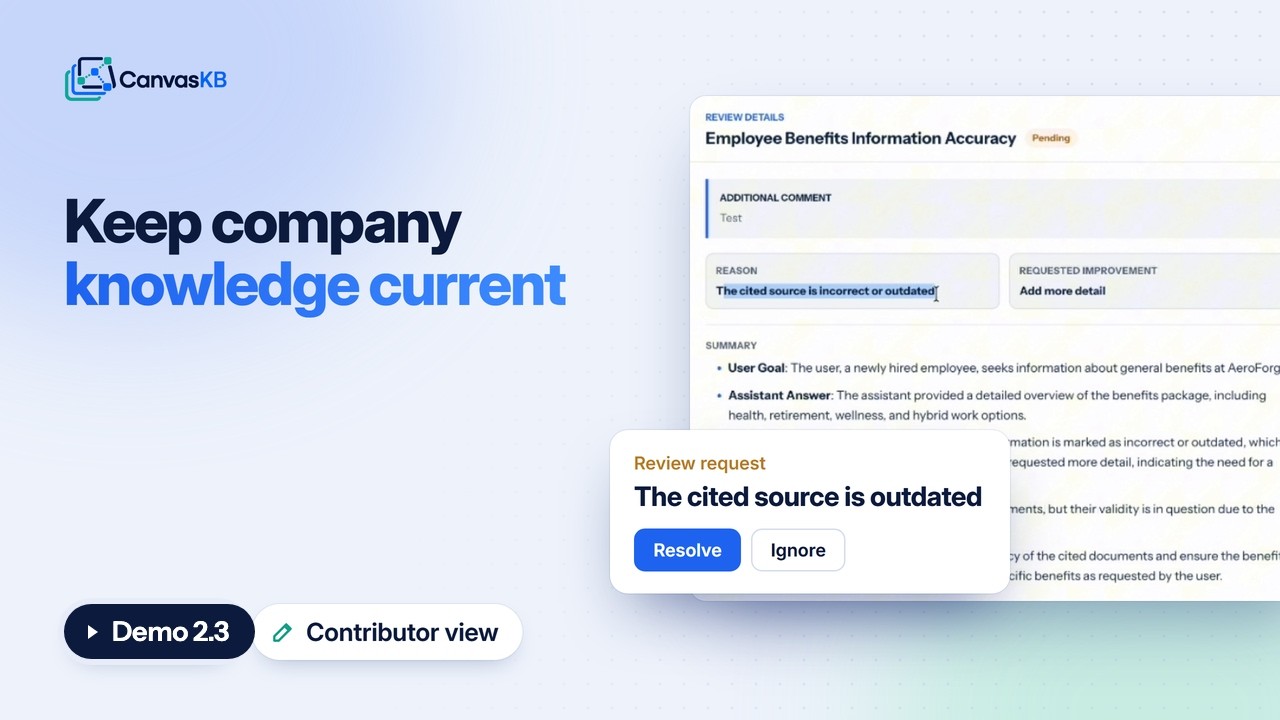
Review requests, assignments and knowledge areas

Usage analytics and content gaps
Roll it out to the whole company.
The owner sets up access: Domain Auto-Join for your verified company email domain, email invitations, bulk invites from a CSV file and user groups.
They also connect Google Drive and SharePoint, and keep an eye on usage and billing.

Owner setup: Domain Auto-Join, bulk invites and cloud storage
If you'd like to try it
Set up a workspace and see CanvasKB answer from the documents your team already uses.